Upload
Choose an image inside the tool you need.

Edit, convert, compress, and enhance images online. Canvas tools run in your browser. AI edits and caption suggestions send a photo only when you ask them to.
 ↗ Compress
↻ Convert
✦ Enhance
♙ Remove Background
↗ Compress
↻ Convert
✦ Enhance
♙ Remove Background
Choose a tool and get started. No installation required.
No tool matches that search. Try “compress”, “background” or “meme”.
Choose an image inside the tool you need.
Adjust the available options and preview your result.
Save your finished image or document in seconds.
Pick a tool, process your file, and download the result. It's that simple.
Compress, convert, resize, crop, and the other canvas tools stay in the browser. AI edit and caption suggestion do not.
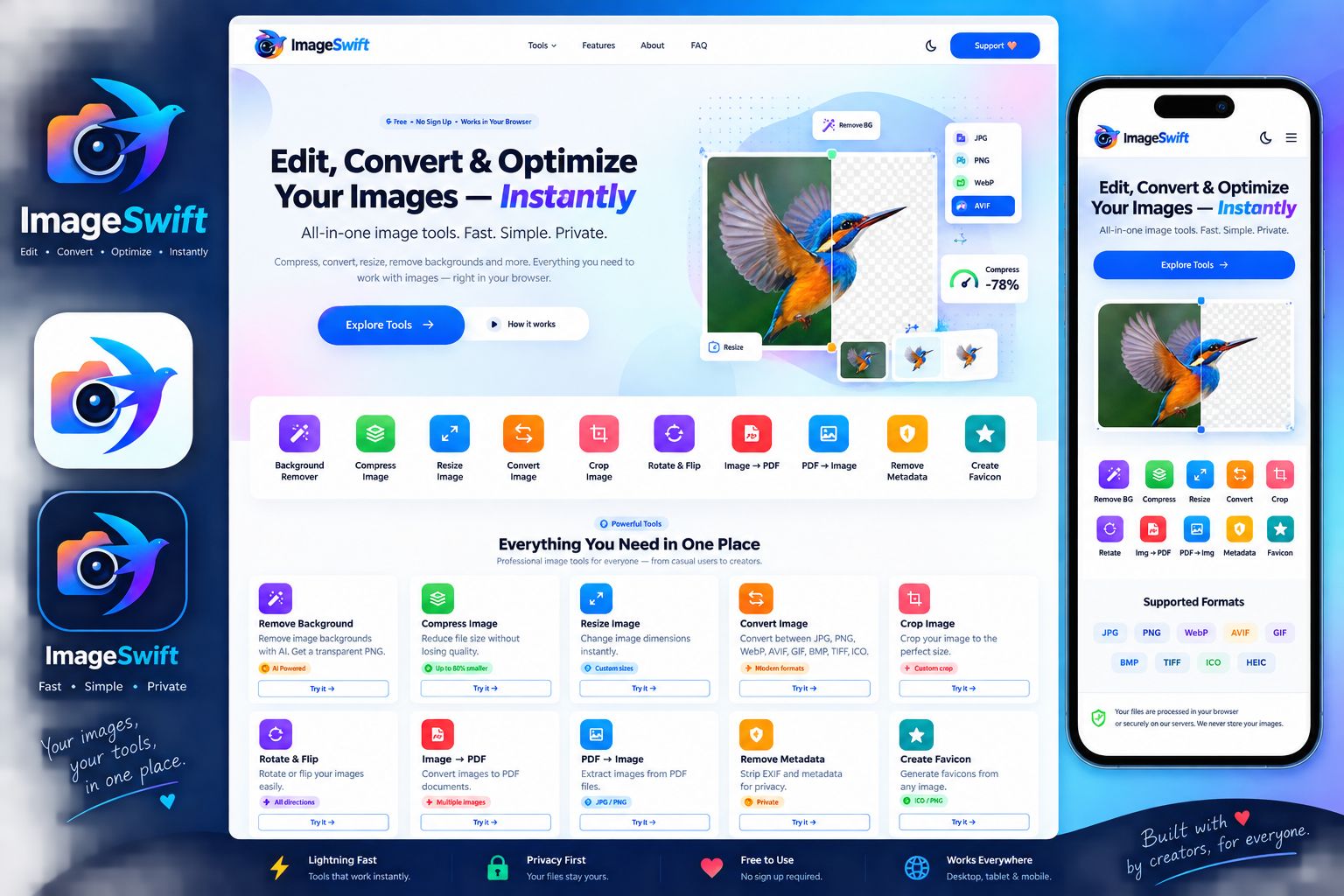
ImageSwift brings common image tasks into one simple workspace. Convert formats, compress files, resize photos, crop and rotate images, remove metadata, create favicons, turn images into PDFs, and explore creative tools such as AI Photo Studio, Collage Maker and Meme Maker.
Use the tool that fits your task, adjust the available options, preview the result when supported, and download the finished file. Browser-based tools are designed to process images locally whenever possible.
Read practical articles on compression, formats, cropping, privacy and responsible AI photo edits.
The cards above are one action each. The difference that matters is where the pixels go after you drop a file. Most of the grid never posts the picture to ImageSwift. Convert, compress, resize, crop, rotate, filters, metadata removal, favicon export, collage, image-to-PDF, and PDF-to-image run on a canvas in the tab. The first time a tool needs PDF.js or jsPDF, the browser may fetch that library. The file you selected is not the thing being fetched.
Remove Background is still on-device, with one extra download. The page imports @imgly/background-removal 1.7.0 and pulls the segmentation model on first use. After that, the cutout is a local PNG. It is not the same request as AI Photo Studio.
Two actions send an image on purpose. Suggest a caption on Meme Maker posts to /api/ai-caption. Generate on AI Photo Studio posts to /api/ai-edit, and the prompt helper posts to /api/ai-prompt. Typing meme text, painting a mask, and pressing undo do not. If a photo cannot leave the machine, use the canvas tools and do not open those two buttons.
A local tool drops the old file container. Convert, compress, resize, rotate, crop, filters, and metadata removal write a new PNG or JPEG, so camera GPS and the old EXIF block are not copied across. That is useful, and it is not a promise that the scene is anonymous. A face, a screen, or a street sign is still in the pixels. Crop those out before you publish. Metadata removal does not blur them.
The theme switch stores a dark or light preference in localStorage under imageswift-theme. That key is not your image. Ads, if the publisher has filled in ad units, are served by Google. The cookie notes on the cookie policy are the place for that, separate from the image tools.
Every tool page under the grid has its own limits, the filenames it writes, and a question section that matches that page. Read the one you are about to use. The one-line card is only a label.
Canvas tools run in the browser. Caption suggestions and AI Photo Studio send an image only when you use those actions.